

Develop practical flat UI design skills and build a portfolio of clean, visually consistent user interface components through step-by-step design projects.
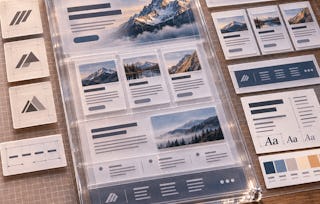
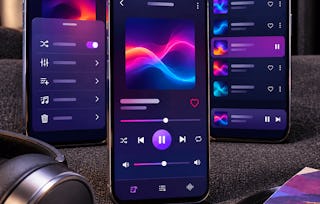
Designed for beginners, aspiring UI designers, and learners interested in app interface design, this course introduces color selection, grid-based alignment, reusable shapes, and consistent visual styling. You'll learn to design buttons with normal, hover, and click states, navigation arrows, sliders, toggles, and selection controls. Explore form design with input fields, validation messages, search bars, and dropdown menus. Advance your skills by creating percentage charts, structured calendar layouts, date grids, and reminder controls. Design registration forms, social sign-up options, audio-player controls, and complete video-player interfaces. By the end of this course, you'll be able to create flat UI components, design visually consistent forms, organize interface layouts, and assemble app interfaces using precise alignment and grouped elements. What makes this course distinctive is its practical, project-based approach, combining reusable design components with complete interface layouts. Practice activities and quizzes reinforce your understanding as you build a portfolio of flat UI designs.