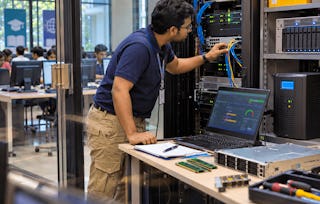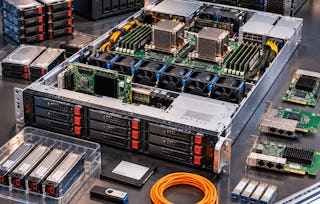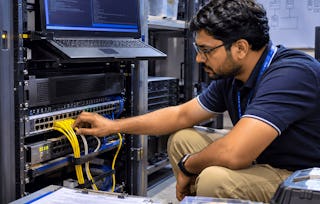


Build practical skills in Linux administration and virtualization, from essential command-line operations to virtual machine deployment, networking, migration, and recovery.
Start by learning Linux directory navigation, file management, shell commands, user accounts, and group administration. Explore virtualization architecture, hypervisor types, and deployment options before creating Windows and Linux virtual machines using VMware Workstation. Gain hands-on experience configuring virtual hardware, guest integration tools, Linux installations, and ESXi infrastructure. Learn to manage hypervisor networking, datastores, installation media, and Windows Server guests. Practice importing and exporting virtual machines, configuring virtual networks, managing DHCP and IP settings, and troubleshooting connectivity issues. Progress to VMware Player, physical-to-virtual conversion workflows, virtual machine cloning, shared access permissions, remote connectivity, and snapshot-based recovery. Designed for aspiring IT administrators, virtualization beginners, and learners developing Linux and virtual infrastructure skills, this course combines command-line fundamentals with practical desktop and server virtualization workflows. Enroll to develop the skills to configure, administer, migrate, troubleshoot, and recover virtual machines in a lab environment.