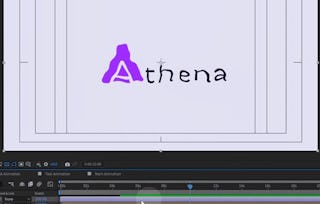
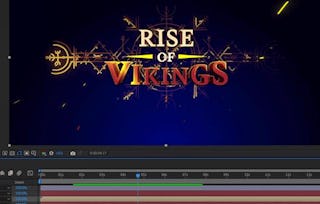
Learn to create dynamic logo animations by morphing icons in Adobe After Effects with Ina Gavazova! In this class, you'll explore the creative process of bringing logos to life, from designing your first icon to creating smooth transitions and polishing a final logo reveal.

Dynamic Logo Animation: Morph Icons in Adobe After Effects
Build in-demand skills with a full year of Coursera Plus, now $239. Save now.

Dynamic Logo Animation: Morph Icons in Adobe After Effects
This course is part of multiple programs.

Instructor: Skillshare
Included with Learn more
Gain insight into a topic and learn the fundamentals.
Beginner level
No prior experience required
6 hours to complete
Flexible schedule
Learn at your own pace
Skills you'll gain
Tools you'll learn
Details to know

Shareable certificate
Add to your LinkedIn profile
Recently updated!
November 2026
Taught in English
See how employees at top companies are mastering in-demand skills

Build your subject-matter expertise
This course is available as part of
When you enroll in this course, you'll also be asked to select a specific program.
- Learn new concepts from industry experts
- Gain a foundational understanding of a subject or tool
- Develop job-relevant skills with hands-on projects
- Earn a shareable career certificate

There are 4 modules in this course
Earn a career certificate
Add this credential to your LinkedIn profile, resume, or CV. Share it on social media and in your performance review.
Instructor
Offered by

Explore more from Design and Product

Why people choose Coursera for their career

Felipe M.
Learner since 2018
"To be able to take courses at my own pace and rhythm has been an amazing experience. I can learn whenever it fits my schedule and mood."

Jennifer J.
Learner since 2020
"I directly applied the concepts and skills I learned from my courses to an exciting new project at work."

Larry W.
Learner since 2021
"When I need courses on topics that my university doesn't offer, Coursera is one of the best places to go."

Chaitanya A.
"Learning isn't just about being better at your job: it's so much more than that. Coursera allows me to learn without limits."
What brings you to Coursera today?


¹ Some assignments in this course are AI-graded. For these assignments, your data will be used in accordance with Coursera's Privacy Notice.