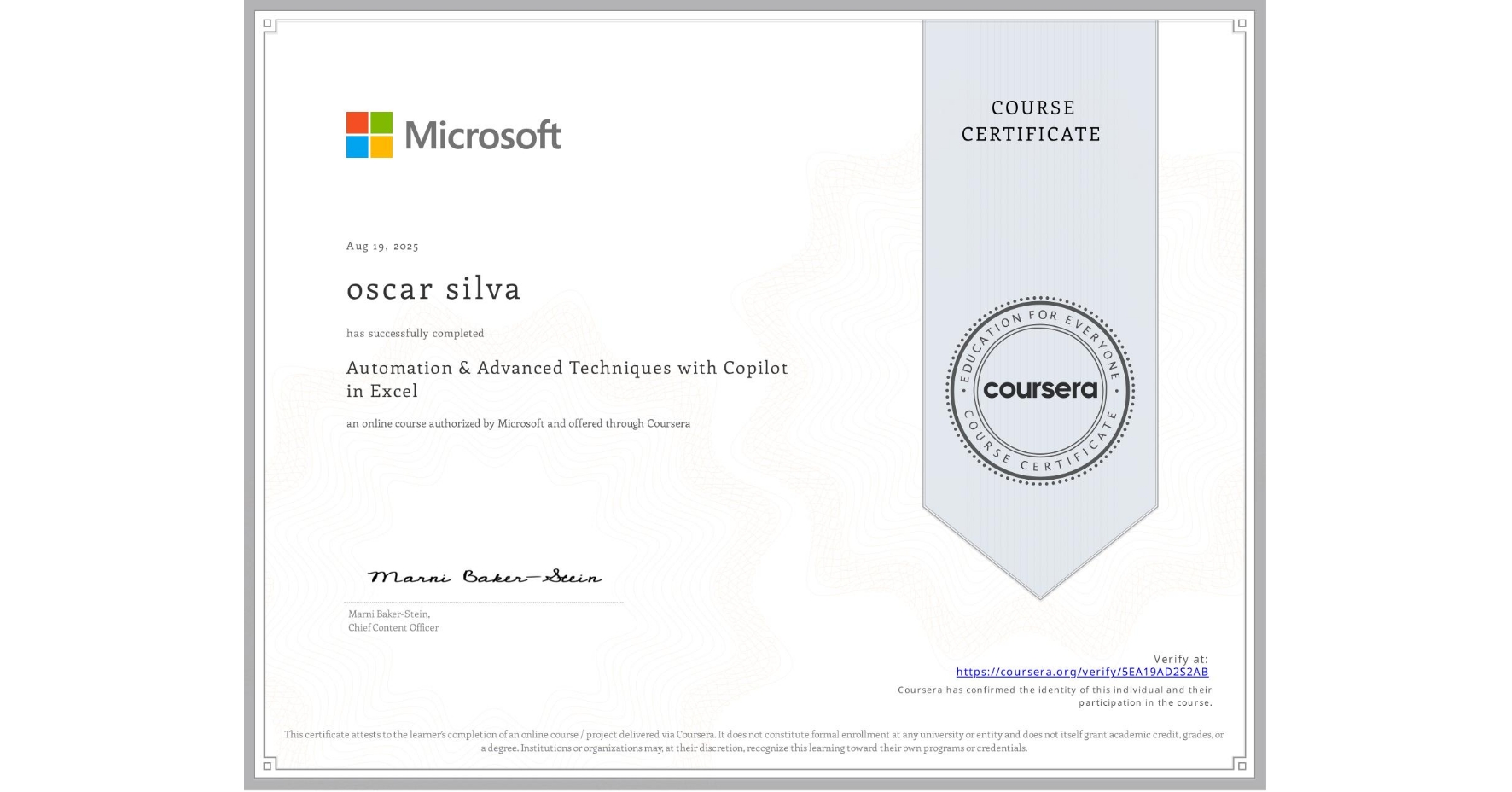
Automation & Advanced Techniques with Copilot in Excel
Completed by oscar silva
August 19, 2025
17 hours (approximately)
oscar silva's account is verified. Coursera certifies their successful completion of Automation & Advanced Techniques with Copilot in Excel

What you will learn
Utilize Excel Macros to automate repetitive tasks and enhance efficiency.
Navigate the Developer tab and use the macro recorder to streamline workflows.
Debug and edit macro code using the VBA editor for optimal performance.
Apply advanced VBA techniques to create custom macros and interactive dashboards.
Skills you will gain
- Category: Microsoft Copilot
- Category: Predictive Modeling
- Category: Microsoft Excel
- Category: Interactive Data Visualization
- Category: Visual Basic (Programming Language)
- Category: Workflow Management
- Category: Forecasting
- Category: Excel Macros
- Category: User Interface (UI)
- Category: Scenario Testing
- Category: Programming Principles
- Category: UI Components