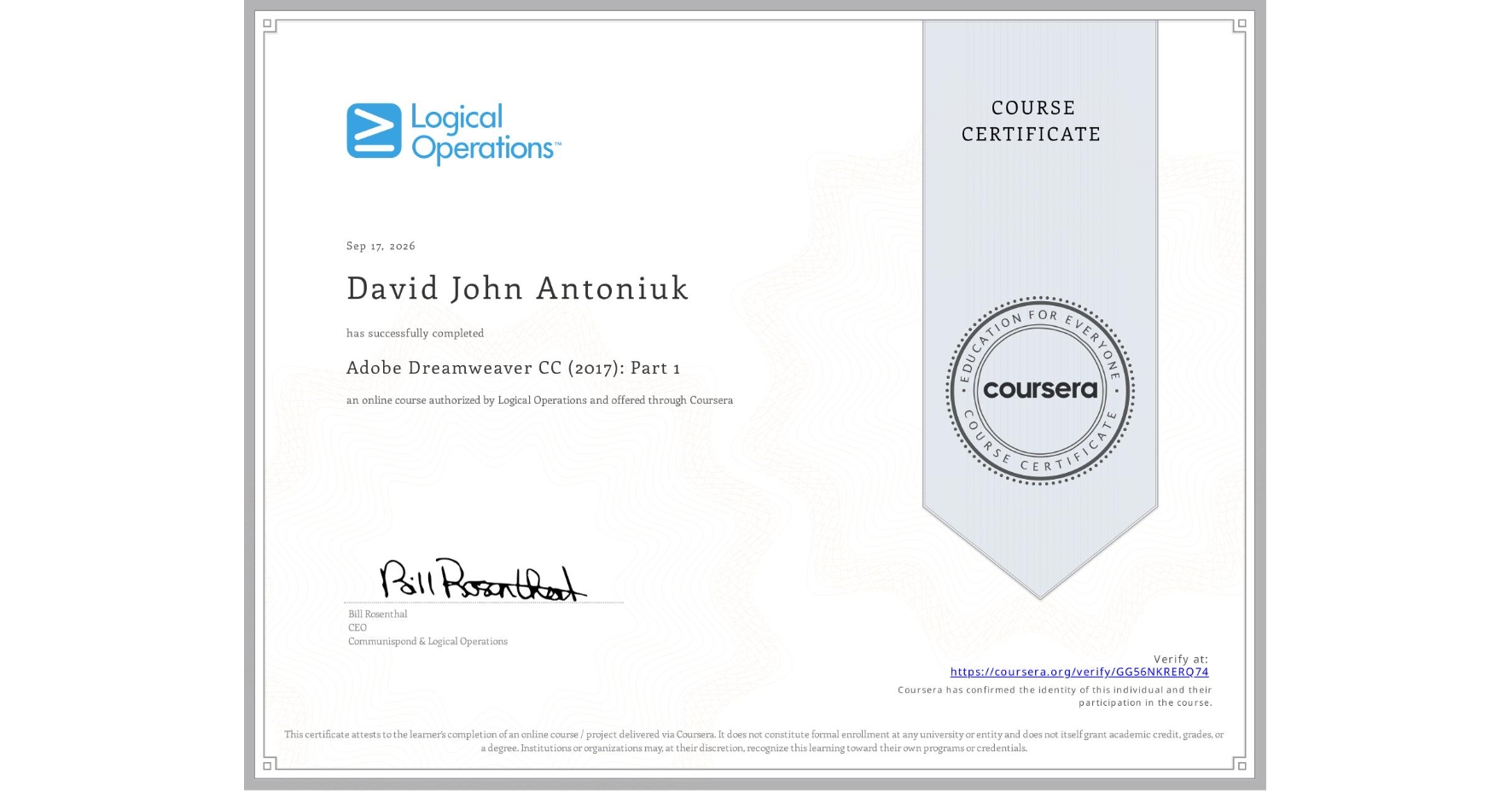
Adobe Dreamweaver CC (2017): Part 1
Completed by David John Antoniuk
September 17, 2026
12 hours (approximately)
David John Antoniuk's account is verified. Coursera certifies their successful completion of Adobe Dreamweaver CC (2017): Part 1

What you will learn
Navigate and customize the web design workspace to configure local site directories, asset folders, and structural navigation paths.
Build and layout standard web pages using HTML5 semantic tags, localized text elements, and reusable page templates.
Style layout containers, typography, responsive graphics, navigation links, and structured data tables using the CSS Designer panel.
Learn by doing. Perform guided, step-by-step hands-on activities on your own computer.
Skills you will gain
- Category: Information Architecture
- Category: Hypertext Markup Language (HTML)
- Category: Web Content
- Category: Front-End Web Development
- Category: Web Development Tools
- Category: Adobe Creative Cloud
- Category: Web Design
- Category: Aesthetics
- Category: Web Design and Development
- Category: File Transfer Protocol (FTP)
- Category: Cascading Style Sheets (CSS)
- Category: Web Presence