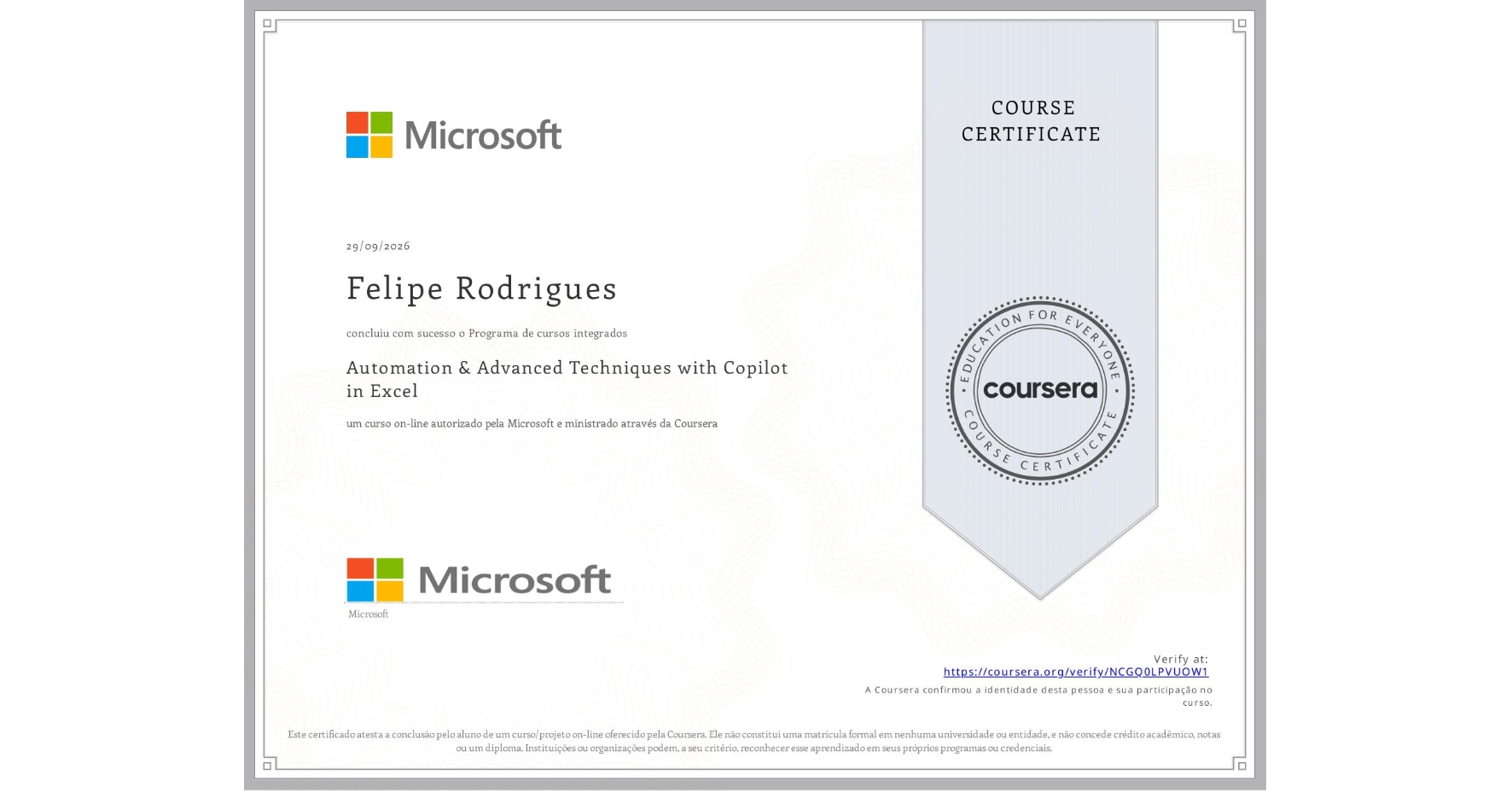
Automation & Advanced Techniques with Copilot in Excel
Completed by Felipe Rodrigues
September 29, 2026
17 hours (approximately)
Felipe Rodrigues's account is verified. Coursera certifies their successful completion of Automation & Advanced Techniques with Copilot in Excel

What you will learn
Utilize Excel Macros to automate repetitive tasks and enhance efficiency.
Navigate the Developer tab and use the macro recorder to streamline workflows.
Debug and edit macro code using the VBA editor for optimal performance.
Apply advanced VBA techniques to create custom macros and interactive dashboards.
Skills you will gain
- Category: Workflow Management
- Category: Programming Principles
- Category: Debugging
- Category: Visual Basic (Programming Language)
- Category: UI Components
- Category: Microsoft Excel
- Category: Automation
- Category: Excel Macros
- Category: Interactive Data Visualization
- Category: Microsoft Copilot
- Category: Forecasting
- Category: Scenario Testing