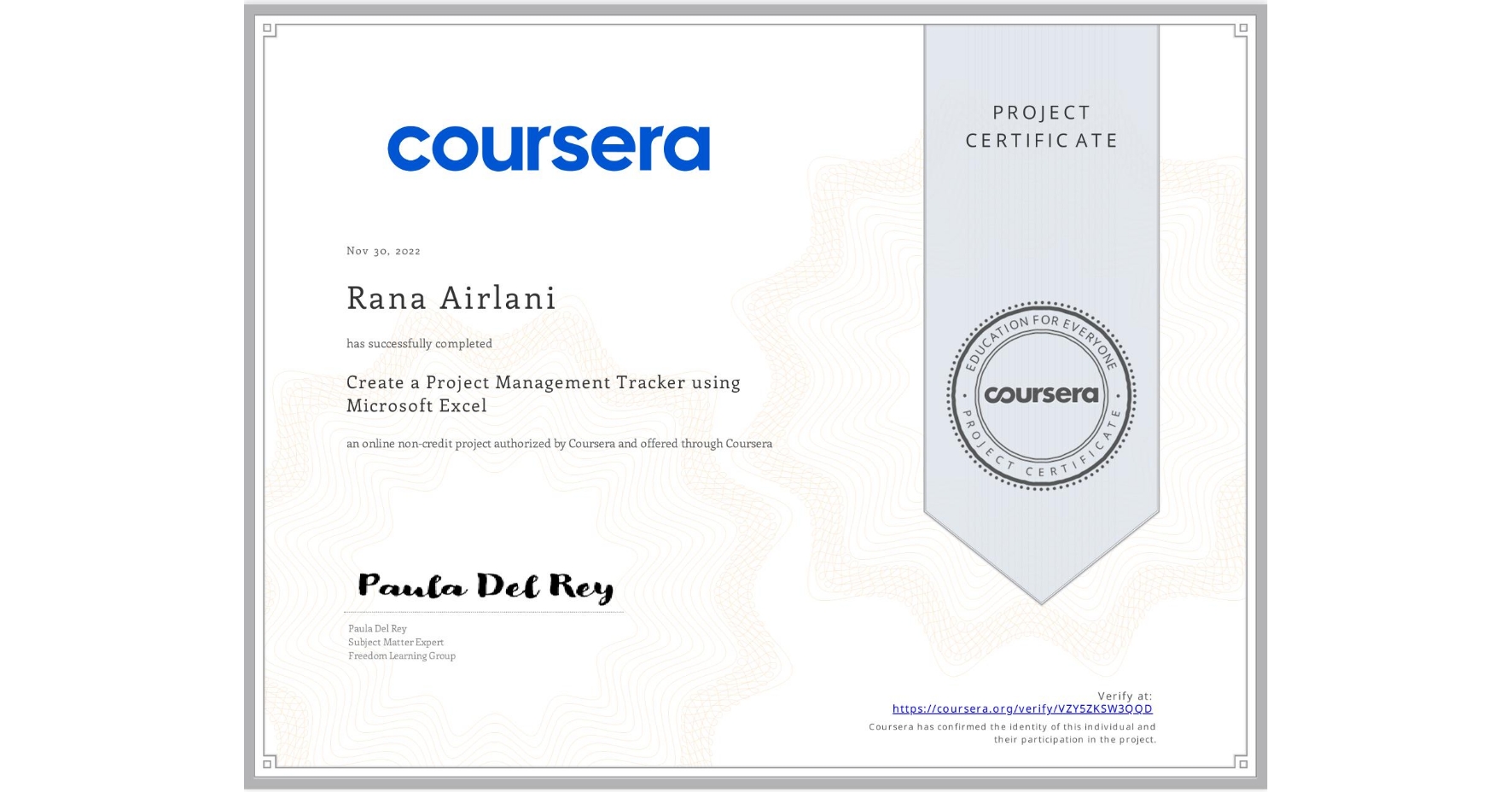
Create a Project Management Tracker using Microsoft Excel
Completed by Rana Airlani
November 30, 2022
1 hours (approximately)
Rana Airlani's account is verified. Coursera certifies their successful completion of Create a Project Management Tracker using Microsoft Excel

What you will learn
Create a new workbook in Microsoft Excel and share the document with others.
Design and organize the project management tracker using formatting tools in Microsoft Excel.
Add content to the project tracking spreadsheet with dropdown lists and conditional formatting.
Skills you will gain
- Category: Project Management Software
- Category: Microsoft Office
- Category: Project Coordination
- Category: Productivity Software
- Category: Collaborative Software
- Category: Data Validation
- Category: Project Planning
- Category: Microsoft Excel
- Category: Spreadsheet Software
- Category: Project Management