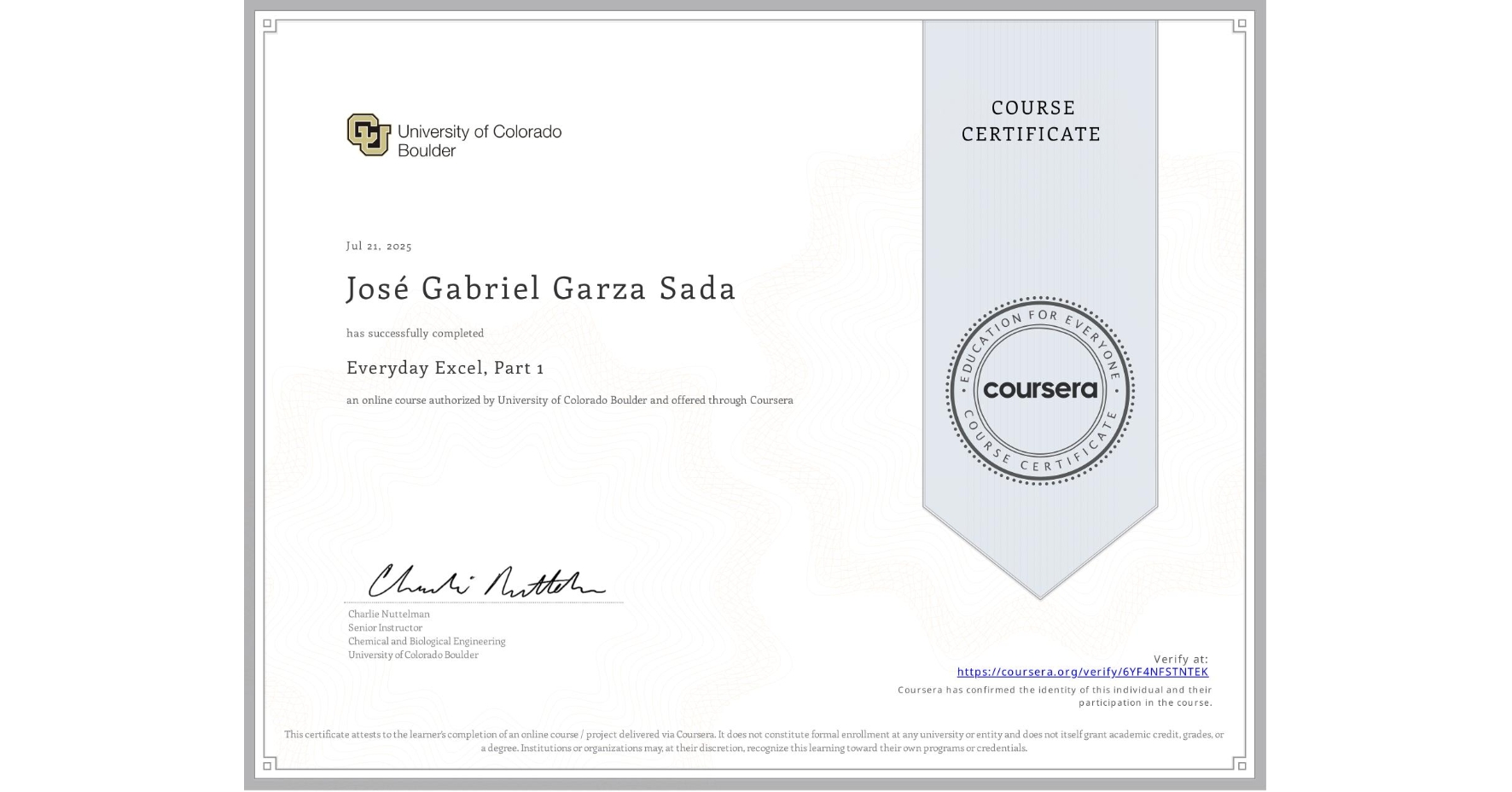
Everyday Excel, Part 1
Completed by José Gabriel Garza Sada
July 21, 2025
25 hours (approximately)
José Gabriel Garza Sada's account is verified. Coursera certifies their successful completion of Everyday Excel, Part 1

What you will learn
Navigating Excel, editing the worksheet (including inserting/deleting cells, columns, and rows), and cell formatting.
Expression entry and common Excel formulas (including logical functions, text functions, and financial functions).
Data management (sorting, filtering, consolidating, removing duplicates, data validation, and one-way lookups).
Data visualization (scatter plots, column charts, pie charts, Slicers, Sparklines, and Pivot Tables).
Skills you will gain
- Category: Microsoft Office
- Category: Data Sharing
- Category: Data Cleansing
- Category: Plot (Graphics)
- Category: Data Entry
- Category: Excel Formulas
- Category: Data Management
- Category: Microsoft Excel
- Category: Data Validation
- Category: Problem Solving
- Category: Data Import/Export
- Category: Data Analysis Software