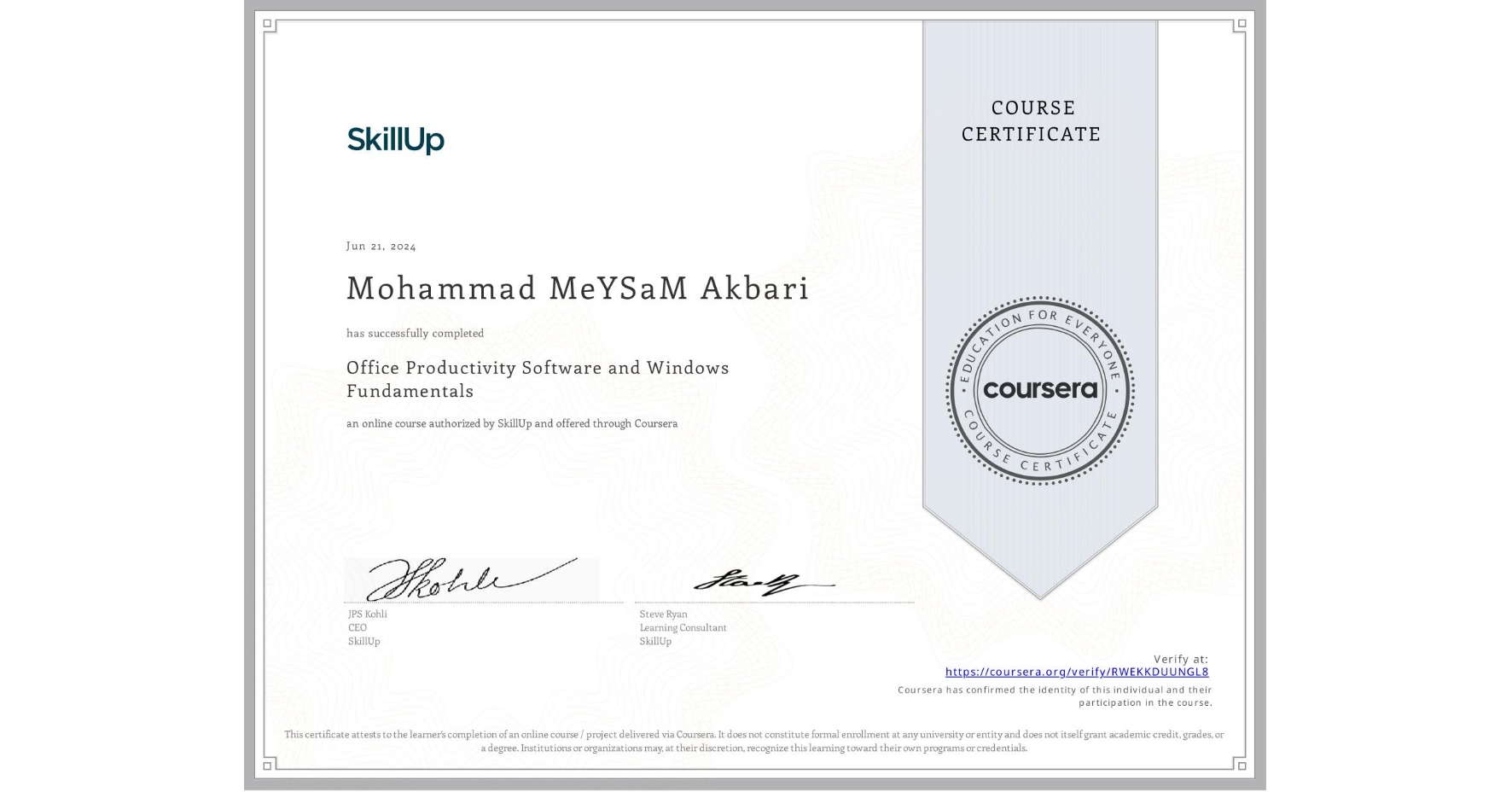
Office Productivity Software and Windows Fundamentals
Completed by Mohammad MeYSaM Akbari
June 21, 2024
3 hours (approximately)
Mohammad MeYSaM Akbari's account is verified. Coursera certifies their successful completion of Office Productivity Software and Windows Fundamentals

What you will learn
Explain how to use key Windows features such as the Desktop, Start menu, File Explorer, Windows Search, and the Recycle Bin
Describe the options for office productivity software and how to choose which one to use
Explain different Windows applications, how to install them, and their unique features
Create and use keyboard and desktop shortcuts to work more efficiently
Skills you will gain
- Category: Computer Literacy
- Category: Operating System Administration
- Category: Microsoft Office
- Category: Microsoft Windows
- Category: Package and Software Management
- Category: System Configuration
- Category: File Systems
- Category: File Management
- Category: Productivity Software
- Category: Software Installation
- Category: Business Software
- Category: Control Panels