Ends in 4 days! Get Coursera Plus for $239/year this Black Friday and explore skills that last.
What Is GIMP? Features, Benefits, and Tips to Improve Your Image Editing Skills
GIMP is a free, cross-platform image editor designed for customization using plugins. Learn how GIMP’s features and benefits can enhance your image editing and graphic design.

Key takeaways
GIMP, which stands for GNU Image Manipulation Program, is an open-source image editor with a wide range of editing features, including brushes and filters.
You can remove the background in GIMP using the program’s Free Selection tool, the Intelligent Scissors tool, or the Foreground Select tool.
GIMP is free and open source, and you can add third-party plugins and modify the code as needed for customization.
GIMP is available for many operating systems, including GNU/Linux, Windows, and macOS. Read more to learn about the benefits and features of GIMP, and explore tips on how to use this cross-platform image editor. Then, consider enrolling in the Adobe Graphic Designer: Design that Demands Attention Professional Certificate. Over this four-month program, which you can complete on your own schedule, you’ll learn graphic design fundamentals and build a portfolio that showcases your skills.
What is GIMP?
GIMP is an acronym for the GNU Image Manipulation Program, a free and open-source image editing program. GIMP supports third-party plugins, and you can change the code to suit your customization needs. GIMP is compatible with GNU/Linux, Windows, macOS, GNU/Hurd, Digital UNIX, and other operating systems.
GIMP is a longstanding open-source alternative to Adobe Photoshop. It started as a student project at the University of California, Berkeley. Spencer Kimball and Peter Mattis developed the first version in 1995 and released it for public use in 1996. Today, a cohort of volunteers runs GIMP. The program is available in over 80 languages.
What is GIMP used for?
GIMP’s main uses include creating, manipulating, altering, and enhancing digital files, such as scanned images, computer-generated images, and photographs. GIMP is also used for creating:
Original artwork
Graphic design elements, such as icons and mockups
Programming algorithms, with multilanguage support for C, C++, Scheme, and Python
Color management features for desktop publishing workflows
Is GIMP good for beginners?
Yes, GIMP is good for beginners. Because it is free, it lets you learn basic image editing without committing to a subscription, unlike Adobe or other image-editing software. It is available for many operating systems, making it easy to access, and it supports many third-party plugins to customize its use. Additionally, its extensive community, consistently updated website, and the GIMP Documentation Team offer many helpful tutorials to help you navigate the image editor.

How to use GIMP
To use GIMP, start by reading the tutorials. The community behind GIMP consistently writes and improves tutorials to make a comprehensive resource for new users. GIMP Quickies is a good starting point for learning the basics of the program.
GIMP download
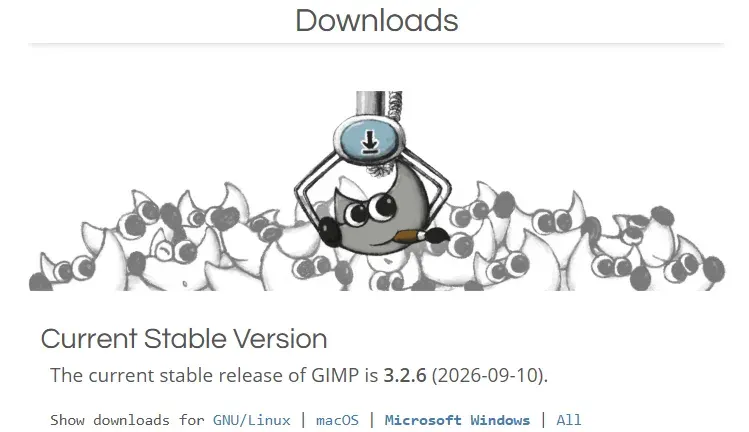
Once you’re ready, download GIMP onto your computer. You’ll choose the right version for your operating system. You can download GIMP directly from the GIMP website or from your operating system’s app store.
Then, open the image you’d like to edit in GIMP.
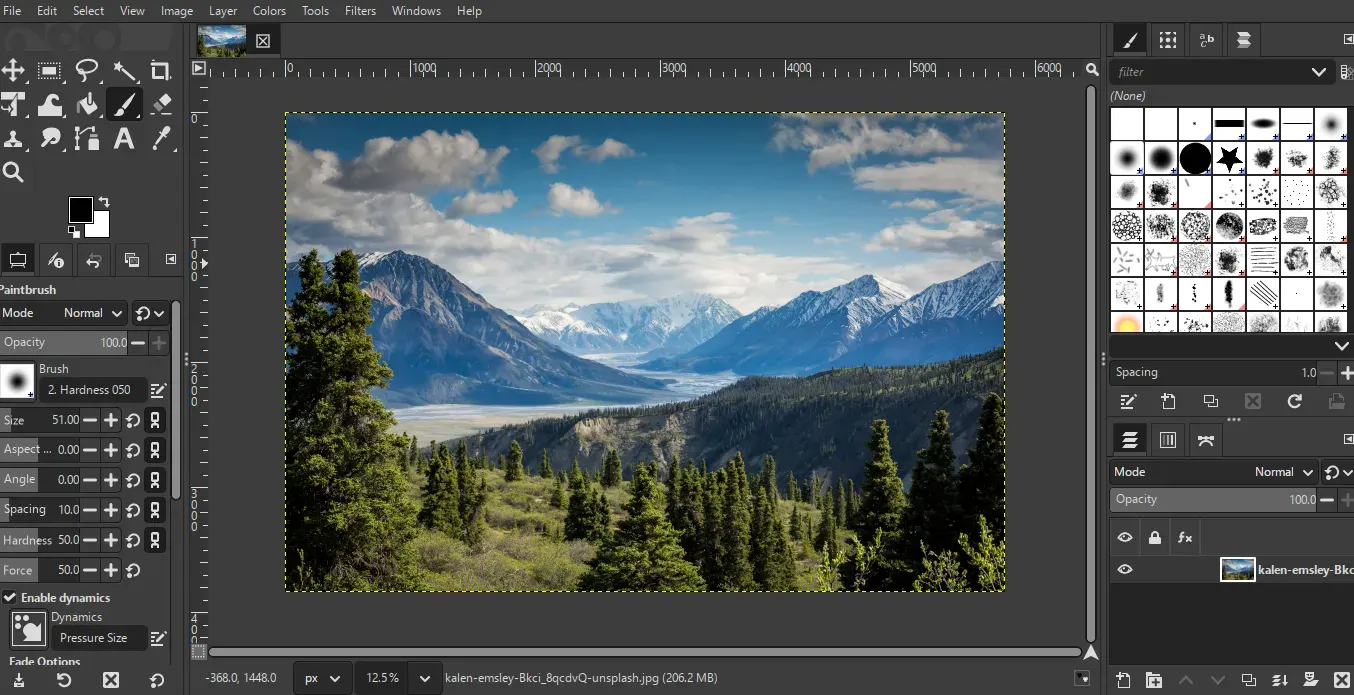
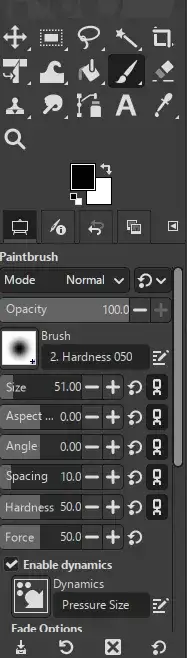
GIMP offers a toolbar similar to Photoshop's, including a Paintbrush tool you can use to select, transform, and manipulate images.
How to remove background in GIMP
You can use one of three selection tools to choose an object and separate it from its background in GIMP: Free Selection, Intelligent Scissors, or Foreground Select. Discover how to use each of these tools.
Free Selection tool
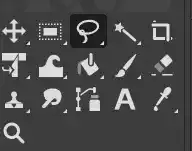
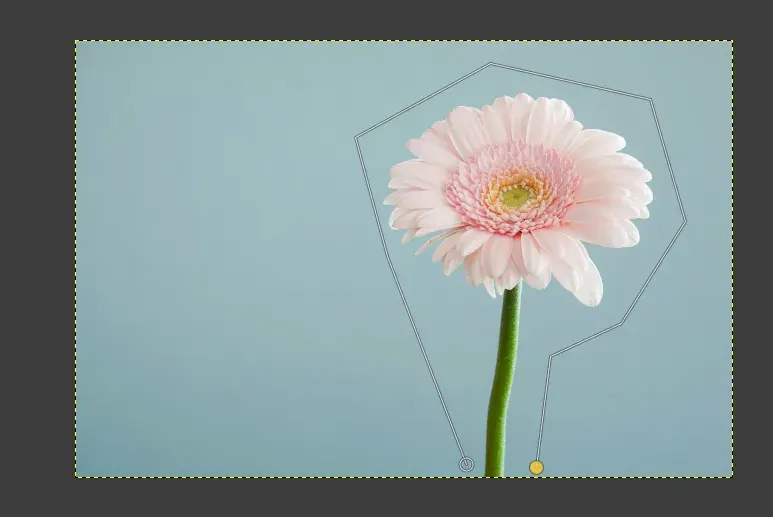
The Free Selection tool, also known as Lasso, lets you draw a border either with straight lines or freehand. This is best for when you have a subject with a simple shape.
Intelligent Scissors tool
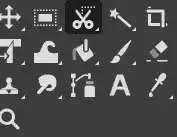
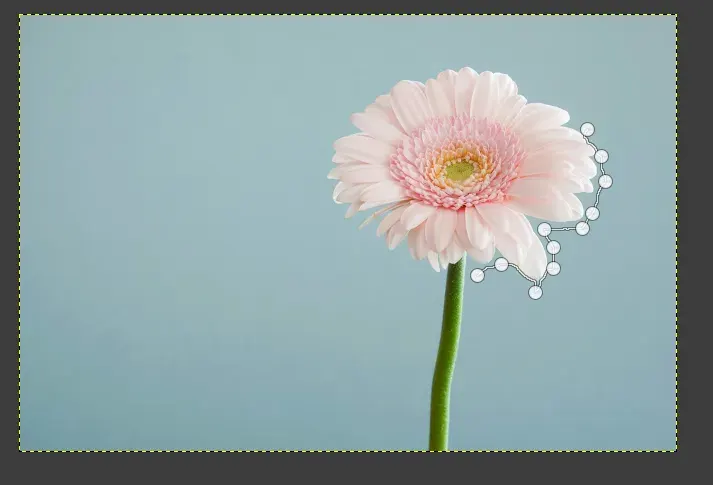
The Intelligent Scissors tool uses edge-recognition algorithms to better fit a border around an object once you’re done freehanding the outline.
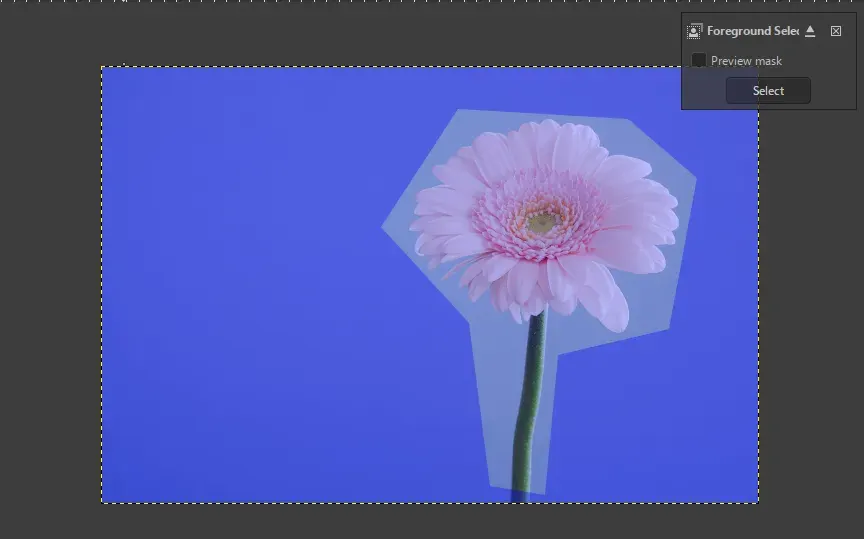
Foreground Select tool
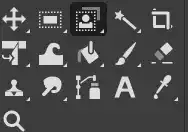
The Foreground Select tool lets you choose areas as “Foreground” or “Background.”
Who uses GIMP?
Both professional and amateur graphic designers use GIMP. It is a very popular tool for educators and students because it is free, allowing schools to teach image editing and graphic design without paying for multiple subscriptions or licenses. Graphic designers, scientists, illustrators, web developers, and photographers also use GIMP for their image manipulation needs.
What is GIMP best for?
GIMP is best for high-quality image editing and manipulation, especially if you want a program that you can customize through third-party plugins or algorithms.
Pros and cons of using GIMP
GIMP’s benefits include its customizability and the fact that it is free, but some drawbacks include that users sometimes find GIMP to be a less efficient and slower alternative to some of the other programs available, like Photoshop.
Some other benefits of GIMP include:
You have the ability to write new scripts and program algorithms using Script-Fu, which makes it easier to automate complex or highly repetitive actions.
It is highly flexible, especially if you have a coding background.
It has a wide variety of editing tools, including layers, masking, and filters
Some other cons of GIMP include:
Less polished interface than competitors
Lack of modern, time-saving tools
GIMP vs. Photoshop
As a free alternative to Photoshop, GIMP offers similar image-editing features to Adobe’s software. While not as complex as Photoshop, GIMP is a good option if you are a beginner or have intermediate knowledge of graphic design, or prefer a no-cost solution.
Read more: How Long Does It Take to Learn Graphic Design?
Tips for using GIMP successfully
To use GIMP successfully, read the tutorials. The GIMP website is full of information, tips, and tricks, all created and shared by an enthusiastic and experienced community of users. The GIMP blog has a wealth of guides, troubleshooting, tools, and tutorials. Take the time to explore the different resources so that, when you’re ready to edit an image, you can have a better idea of what the program is capable of.
Plus, if you’re comfortable with coding, you can create customizable algorithms that tailor GIMP to exactly what you’re looking for, and even share those additions with other members of the community.
Explore our free graphic design tutorials and resources
Discover career paths and assess your skills while browsing our Career Resources Hub. Or if you want to learn more about graphic design, check out these free resources:
Watch on YouTube: Why Every Logo You Know Started Here: Inside a Graphic Designer's Career
Explore a glossary: Graphic Design Terms & Definitions
Read our Career Chat issue: 4 Beginner-Friendly Graphic Design Elements for Better Communication
Accelerate your career growth with a Coursera Plus subscription. When you enroll in either the monthly or annual option, you’ll get access to over 10,000 courses.


Frequently asked questions (FAQ)
Keep reading
- October 30, 2024
- December 29, 2025
- March 7, 2026
- March 28, 2026
- January 24, 2026
- November 20, 2026
Coursera Staff
Editorial Team
Coursera’s editorial team is comprised of highly experienced professional editors, writers, and fact...
This content has been made available for informational purposes only. Learners are advised to conduct additional research to ensure that courses and other credentials pursued meet their personal, professional, and financial goals.