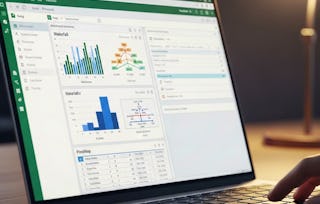
Master Microsoft Excel shortcuts, formulas, functions, and reporting skills to work faster and smarter.
Learn VLOOKUP, HLOOKUP, IF, SUMPRODUCT, PMT, text functions, date calculations, trend analysis, and business reporting. This course helps learners build practical Excel skills for professional environments. You will learn essential shortcuts, worksheet navigation, formatting techniques, foundational formulas, counting functions, summation tools, logical values, and text combination techniques. The course also covers cell referencing, IF statements, conditional formulas, date and time calculations, text formatting, data cleaning, lookup functions, financial functions, loan analysis, payment calculations, statistical tools, ranking methods, trend analysis, forecasting, and rounding techniques. By the end of this course, you will be able to navigate Excel efficiently, build powerful formulas, retrieve and clean data, perform financial and statistical analysis, automate calculations, and create accurate professional reports. This course is ideal for students, analysts, finance professionals, MIS users, admin teams, and anyone who wants job-ready Excel productivity skills.